 LocalLab
Tools › Music
AI music generator for Mac, with your lyrics
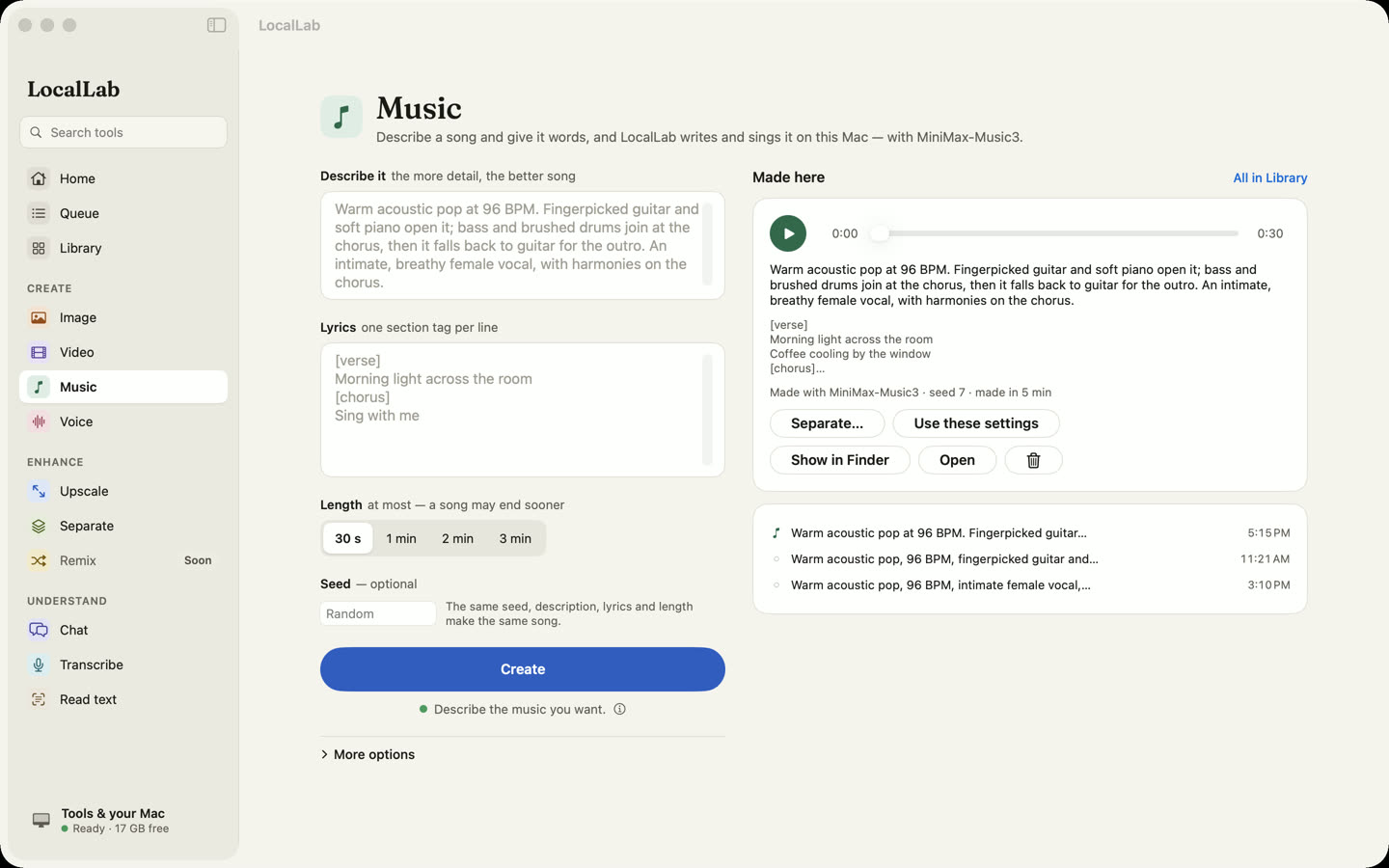
Describe a song — genre, mood, instruments, voice — add your lyrics, and MiniMax Music 3 sings it, on your Mac. No lyrics yet? Chat can write some from the description.
- Model
- MiniMax Music 3, 4-bit (9.2 GB), MiniMax Music 3 Community Licence
- Songs
- Up to three minutes, with vocals, from your lyrics
- Memory
- 16 GB or more
- Speed
- About 5 minutes for a 30-second song on an M2 Max
How it works
MiniMax Music 3 writes a whole song — vocals and arrangement — from a caption describing it and the lyrics to sing. LocalLab runs it on your Mac's GPU as a job in its queue, so a long song keeps going while you do something else.
Write lyrics, beside the lyrics field, asks a Chat model of 4B or more to write lyrics that fit your description, in a few seconds. Send a finished song to Separate to split it into vocals, drums, bass and the rest.
Good for
- Demos and song sketches
- Jingles and background music
- Hearing your lyrics sung
Private by design
Music runs on your Mac. LocalLab AI has no account, no analytics and no server: the only connection it makes is to Hugging Face, to download models. Read the privacy policy.
Questions
Can I make instrumental music?
Not yet: MiniMax Music 3 sings, so Music needs lyrics. Separate can take the vocals out of a finished song afterwards.
Who owns the songs?
Songs are made under MiniMax's licence, which LocalLab asks you to read before installing the model, and LocalLab credits MiniMax-Music3 as that licence requires. Read it before publishing or selling what you make.