 LocalLab
Tools › Transcribe
Offline transcription for Mac with Whisper
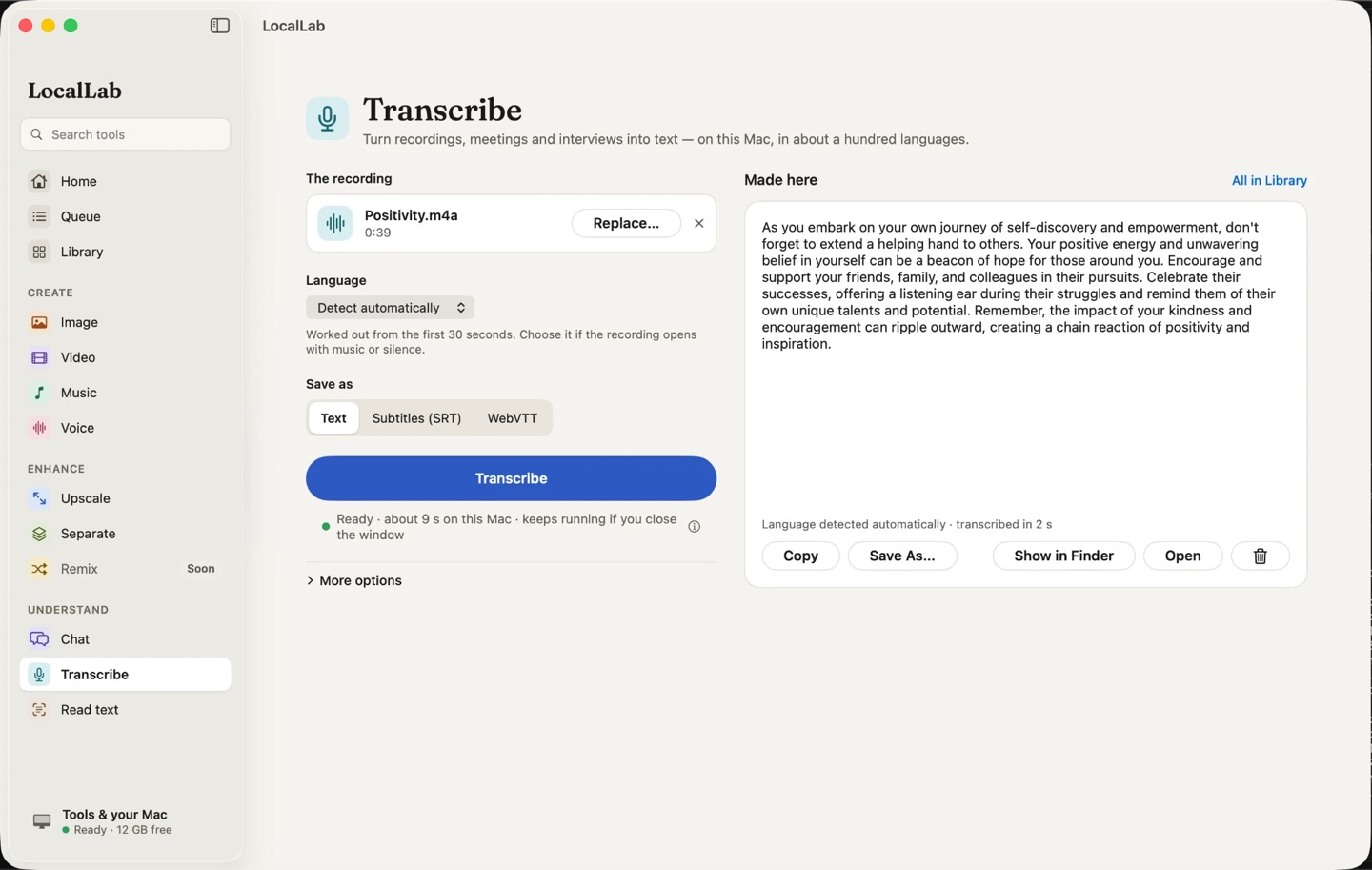
Turn a recording, a meeting or an interview into text or subtitles, on your Mac. Record straight into it, or drop in a file.
- Model
- Whisper large-v3 turbo (1.6 GB), MIT
- Languages
- About a hundred, detected automatically
- Saves as
- Plain text, or SRT and VTT subtitles
- Memory
- Any Apple silicon Mac, from 8 GB
- Speed
- About 35 times faster than real time on an M2 Max: an hour of speech in under two minutes
How it works
Whisper is OpenAI's open speech recognition model; the large-v3 turbo version keeps its accuracy at a fraction of the time. LocalLab runs it on your Mac's GPU, so confidential recordings stay confidential.
Press Record to transcribe from your Mac's microphone — macOS asks for permission the first time — or drop in an audio or video file.
Good for
- Meeting and interview notes
- Subtitles for videos
- Voice memos turned into text
Private by design
Transcribe runs on your Mac. LocalLab AI has no account, no analytics and no server: the only connection it makes is to Hugging Face, to download models. Read the privacy policy.
Questions
Is my recording sent to a server?
No. Transcription runs entirely on your Mac, and the microphone is used only while you record.
Can it make subtitles?
Yes — save as SRT or VTT, with timings, ready for a video editor or a player.