 LocalLab
Tools › Video
AI video generator that runs on your Mac
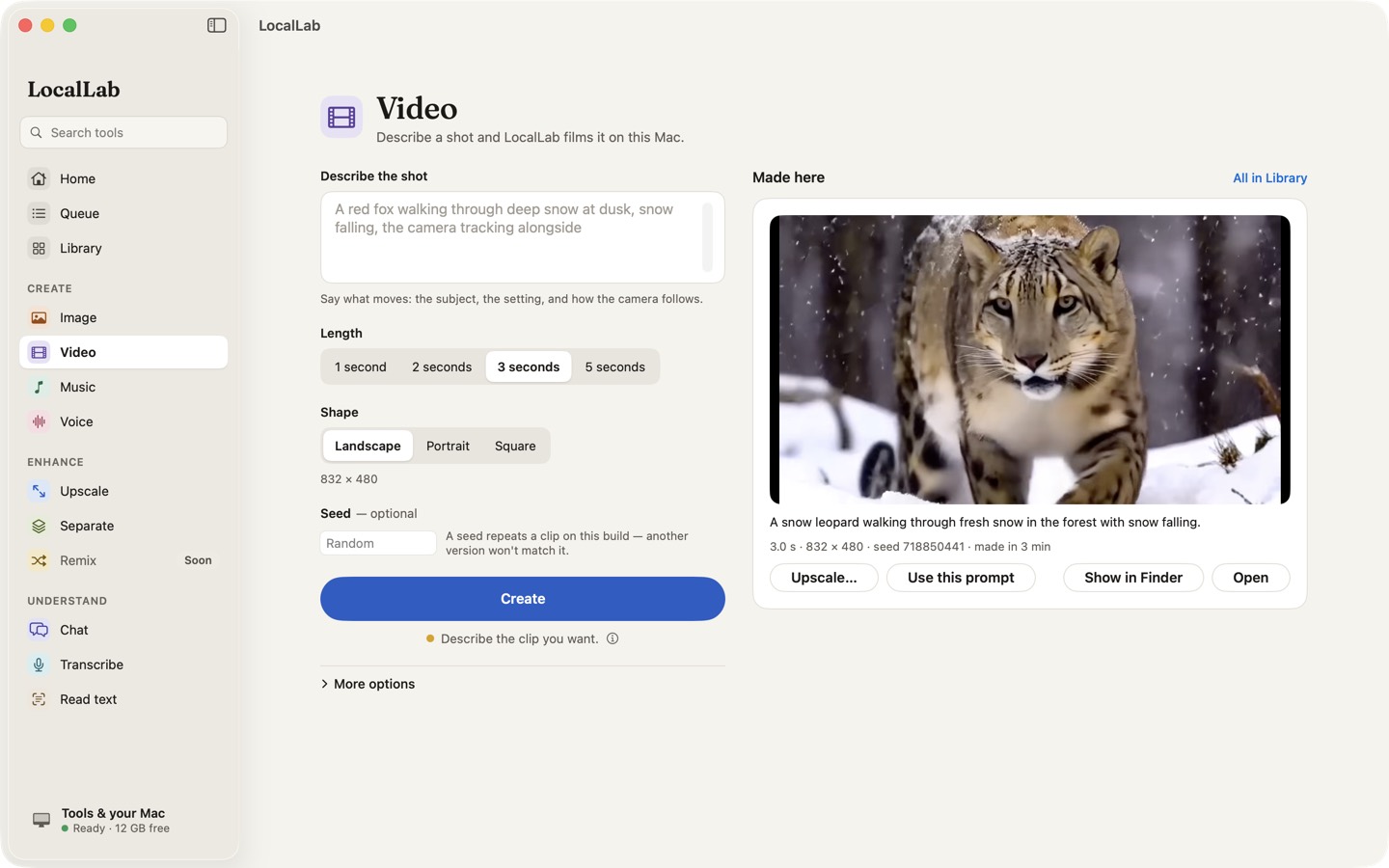
Describe a scene and FastWan 2.2 turns it into a short clip, on your Mac. Your prompts and clips stay on your computer.
- Model
- FastWan 2.2 (Wan 2.2 TI2V 5B), 8-bit (19 GB), Apache 2.0
- Clips
- 1, 2, 3 or 5 seconds; landscape 832 × 480, portrait 480 × 832 or square 640 × 640
- Memory
- 16 GB with other apps closed; comfortable on 32 GB
- Speed
- About 4 minutes for a 5-second clip on an M2 Max
How it works
FastWan 2.2 is a distilled build of Alibaba's Wan 2.2 video model that needs only a few steps per clip. LocalLab runs it with MLX on your Mac and queues each clip as a job, so you can keep working while it renders — and close the window without stopping it.
Before a clip starts, LocalLab shows how much memory it needs against what's free and how long it should take. Send a finished clip to Upscale to make it sharper.
Good for
- Short animated scenes and B-roll
- Storyboards and previews
- Moving backgrounds for slides and posts
Private by design
Video runs on your Mac. LocalLab AI has no account, no analytics and no server: the only connection it makes is to Hugging Face, to download models. Read the privacy policy.
Questions
How long can a clip be?
1, 2, 3 or 5 seconds, in landscape, portrait or square.
Why does Video ask me to close other apps?
The model and its working memory need most of a 16 GB Mac. LocalLab checks what's free before a clip starts, and waits rather than slowing your Mac to a crawl.